
Visual guide
How to withdraw on DmPlay
Open Account → Withdraw. Follow the orange arrows — add beneficiary details before money can leave the wallet.

-
1
Available balance
What the app shows as available to withdraw after rules/turnover.
-
2
BANK CARD
Payout to a bank account.
-
3
UPI
Payout to a UPI ID you control.
-
4
USDT
Crypto payout — follow the on-screen network (usually TRC20).
-
5
Add bank / UPI
Required before withdraw works. Red text means required.
-
6
Enter amount
Type amount or tap All. Check fees if shown.
-
7
Withdraw button
Tap only after account + amount look correct.
-
8
Rules & limits
Turnover, daily window, remaining times, min/max amount.
Withdraw methods
Choose how you want to receive money. Add beneficiary details first.
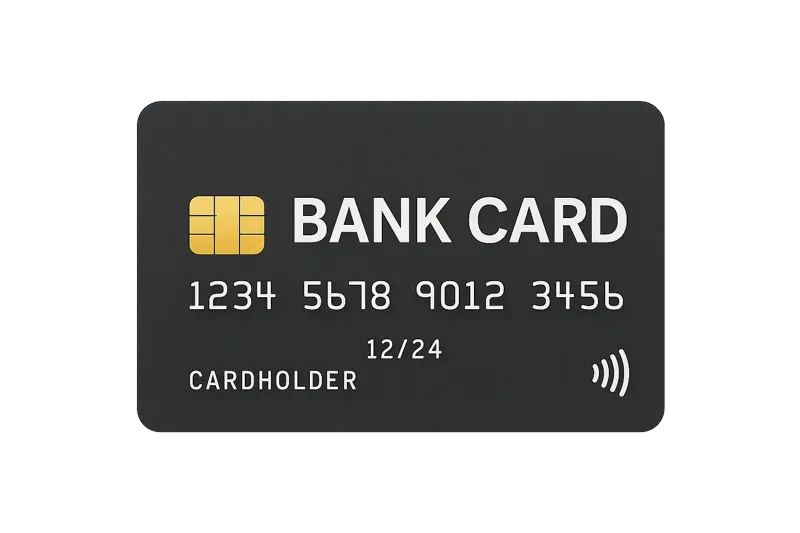
Bank account / IFSC — name should match what the platform expects.

Link a UPI ID you control. Double-check spelling.

Paste a TRC20 wallet address you own.
Before you withdraw
- Match bank/UPI details to your registered name where required.
- Meet any “need to bet” turnover shown on screen.
- If details look wrong, contact customer service before sending another request.
FAQ
How do I withdraw from DmPlay?
Open Account → Withdraw, choose BANK CARD, UPI or USDT, add beneficiary details, enter an amount inside the limits, then tap Withdraw.
Why can’t I withdraw yet?
Usually beneficiary details are missing, turnover (“need to bet”) is incomplete, or you are outside the daily time window / remaining withdraw count shown on screen.
Is USDT withdraw supported on DmPlay?
Yes when the Withdraw screen shows USDT. Use the network shown in-app (often TRC20) and paste a wallet address you control.